How to Send 50,000+ WhatsApp Broadcast Messages Without Getting Banned
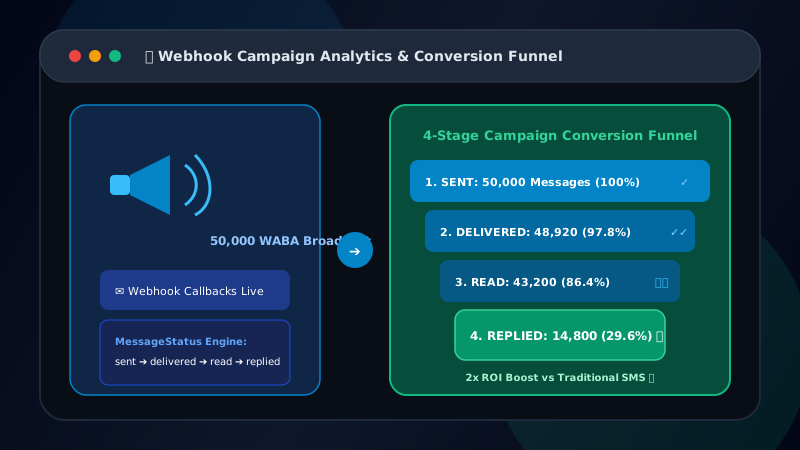
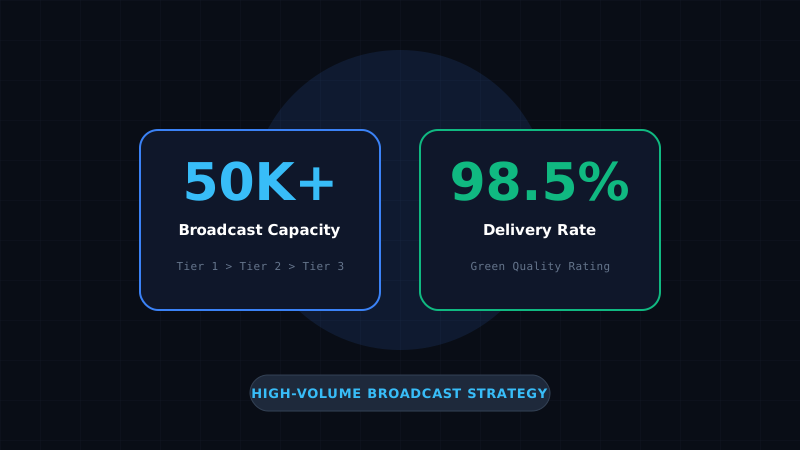
Scaling broadcast campaigns to 50,000+ recipients requires managing Meta Messaging Tiers (1K to 100K/day), maintaining a Green Quality Rating through opt-in compliance, and using Redis queues to stagger message dispatches.
Table of Contents
- • Introduction: Why Unofficial WhatsApp Mass Senders Get Banned
- • 1. Understanding Meta Messaging Tiers & Automatic Scaling
- • 2. Maintaining a High Phone Number Quality Rating
- • 3. Using Redis Queue Throttling to Prevent Rate Spikes
- • 4. Pre-Broadcast List Verification (List Health Shield)
- • 5. Implementing Unsubscribe & Opt-Out Handling
- • Scale Your WhatsApp Broadcast Volume
Introduction: Why Unofficial WhatsApp Mass Senders Get Banned
Sending mass messages from personal WhatsApp numbers using unauthorized scripts or browser extensions results in immediate number bans by Meta anti-spam algorithms. Official WABA API handles high-volume campaigns through regulated Messaging Tiers and automated phone number quality scores. For Meta conversation pricing details, review our 2026 cost breakdown.
In this guide, we break down how enterprise brands safely dispatch 50,000+ messages per day without risking account suspensions or delivery drops.
1. Understanding Meta Messaging Tiers & Automatic Scaling
Meta controls daily broadcast volumes through four automatic messaging tiers assigned to each registered WhatsApp Business phone number:
- Tier 1 (Unverified): 1,000 unique business-initiated recipients per 24 hours.
- Tier 2 (Standard): 10,000 unique business-initiated recipients per 24 hours.
- Tier 3 (Enterprise): 100,000 unique business-initiated recipients per 24 hours.
- Tier 4 (Unlimited): Unlimited unique recipients per 24 hours.
Meta automatically upgrades your account to the next tier when you send 2x your current limit within a 7-day window while maintaining a High Quality Rating.
2. Maintaining a High Phone Number Quality Rating
Meta monitors user feedback signals in real time (user blocks, spam reports, and unsubscribe requests). Your Quality Rating displays in Meta Business Manager as:
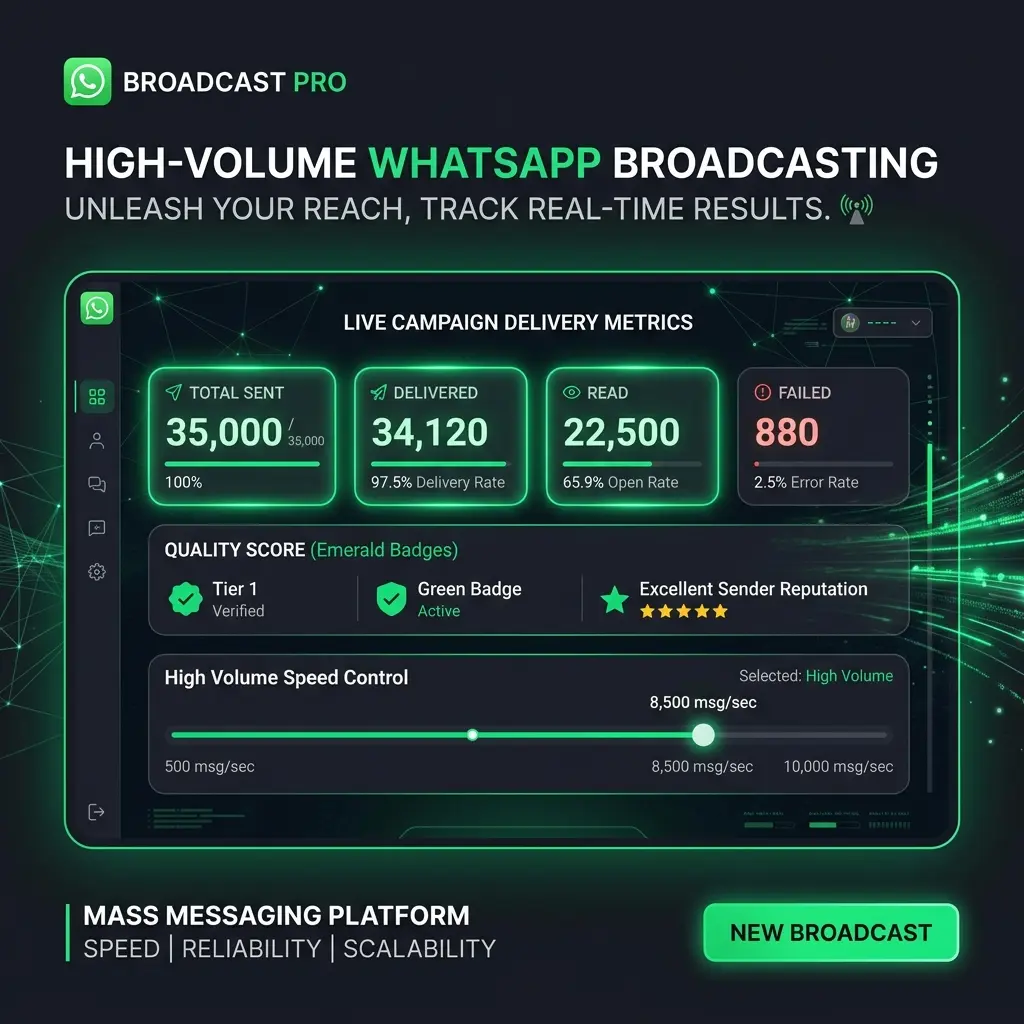
- Green (High Quality): Normal delivery speed and lowest cost per conversation.
- Yellow (Medium Quality): Warning state. Monitor spam complaints closely.
- Red (Low Quality): Broadcast volume limits are capped, and phone numbers risk suspension.
3. Using Redis Queue Throttling to Prevent Rate Spikes
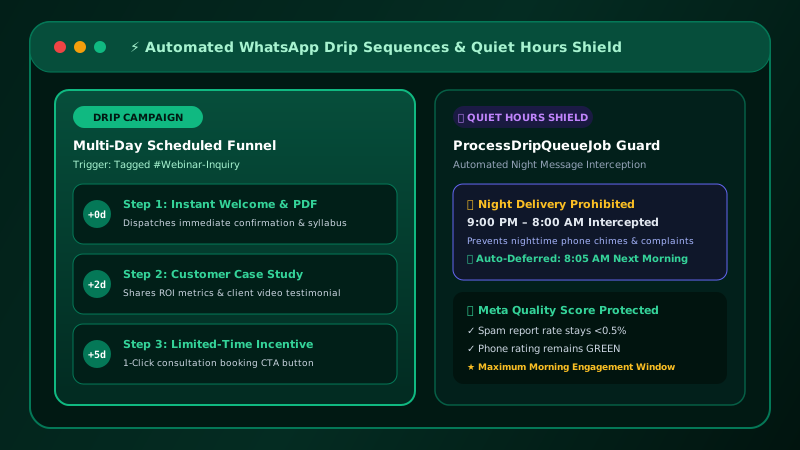
Patify includes built-in Redis queue worker throttling and automated bot-loop shields and rate limits. Instead of firing 50,000 webhooks simultaneously—which triggers Meta rate limit headers—Patify staggers message dispatches evenly (e.g. 50 messages per second):
- Prevents API payload drops during high-concurrency broadcasts.
- Ensures recipient carrier gateways do not flag sudden traffic spikes.
- Includes automatic exponential backoff retry policies for transient network timeouts.
4. Pre-Broadcast List Verification (List Health Shield)
Sending broadcasts to inactive or non-existent WhatsApp numbers triggers Meta Error #131047: Re-engagement message, which rapidly degrades your phone number Quality Rating from Green to Red and burns broadcast budget. Patify's List Health Shield pre-verification system allows businesses to verify contact numbers against Meta WABA endpoints before dispatching, automatically excluding invalid numbers and preserving account health.
5. Implementing Unsubscribe & Opt-Out Handling
Under WhatsApp compliance and GDPR opt-out regulations, every promotional broadcast must include an explicit opt-out path (such as a "Reply STOP to Unsubscribe" Quick Reply button). When a user opts out, Patify instantly updates their contact status to prevent future dispatches. To maximize ROI, segment your audience by tag before dispatching campaigns.
Scale Your WhatsApp Broadcast Volume
Get enterprise Redis rate-limiting and 100K/day message scaling