Managing WhatsApp Opt-Outs: How to Handle STOP Requests & Keep Your Contact List Healthy
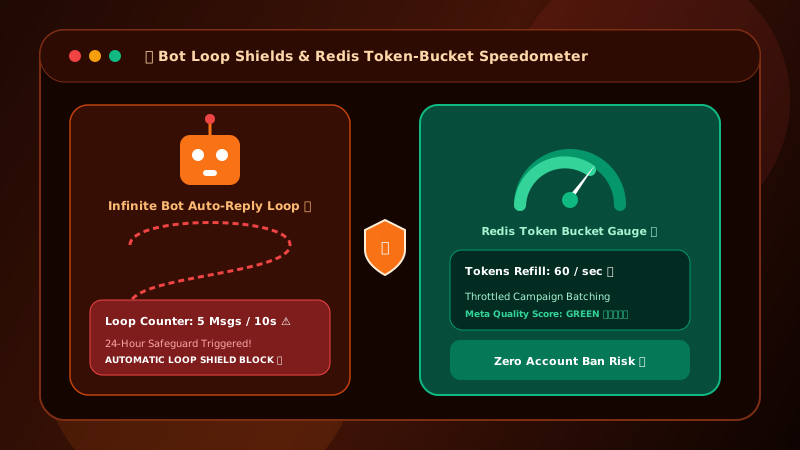
Failing to process WhatsApp STOP requests instantly will result in users blocking your business, plummeting your Quality Rating, and triggering a broadcast ban from Meta. Automation is mandatory.
Table of Contents
The High Stakes of WhatsApp Opt-Outs
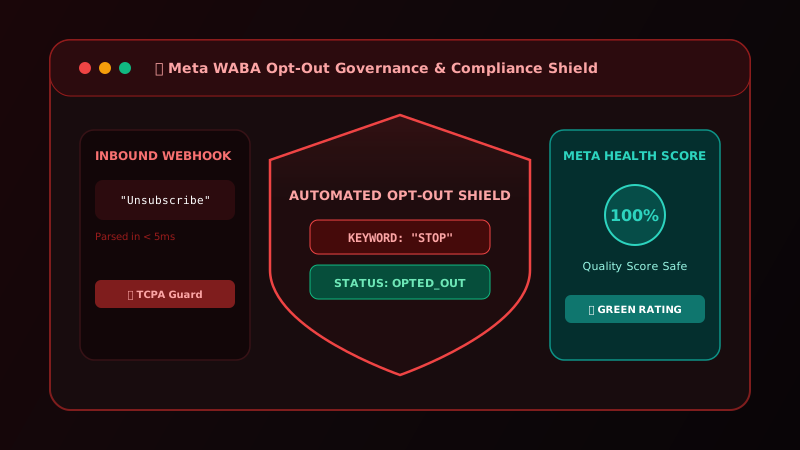
In email marketing, if a user clicks 'spam', it might slightly hurt your sender reputation over time. On WhatsApp, user feedback is immediate and ruthless. If too many users tap "Block and Report", your WABA number's Quality Rating will drop from Green to Yellow, and eventually to Red.
A Red rating triggers severe broadcast limits and can lead to permanent suspension.
The 5 Mandatory STOP Keywords
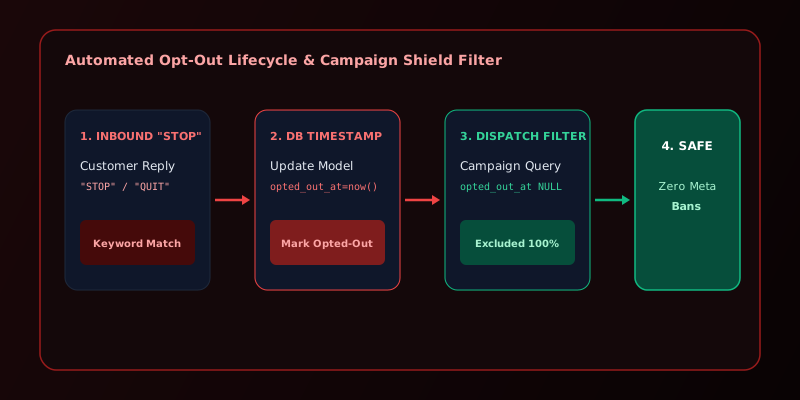
To prevent users from using the native "Block" button, you must provide an easy, automated exit. Your system must listen for and instantly process these exact keywords (case-insensitive):
STOPUNSUBSCRIBECANCELNOOPT OUT
How Meta Auto-Processes Blocks
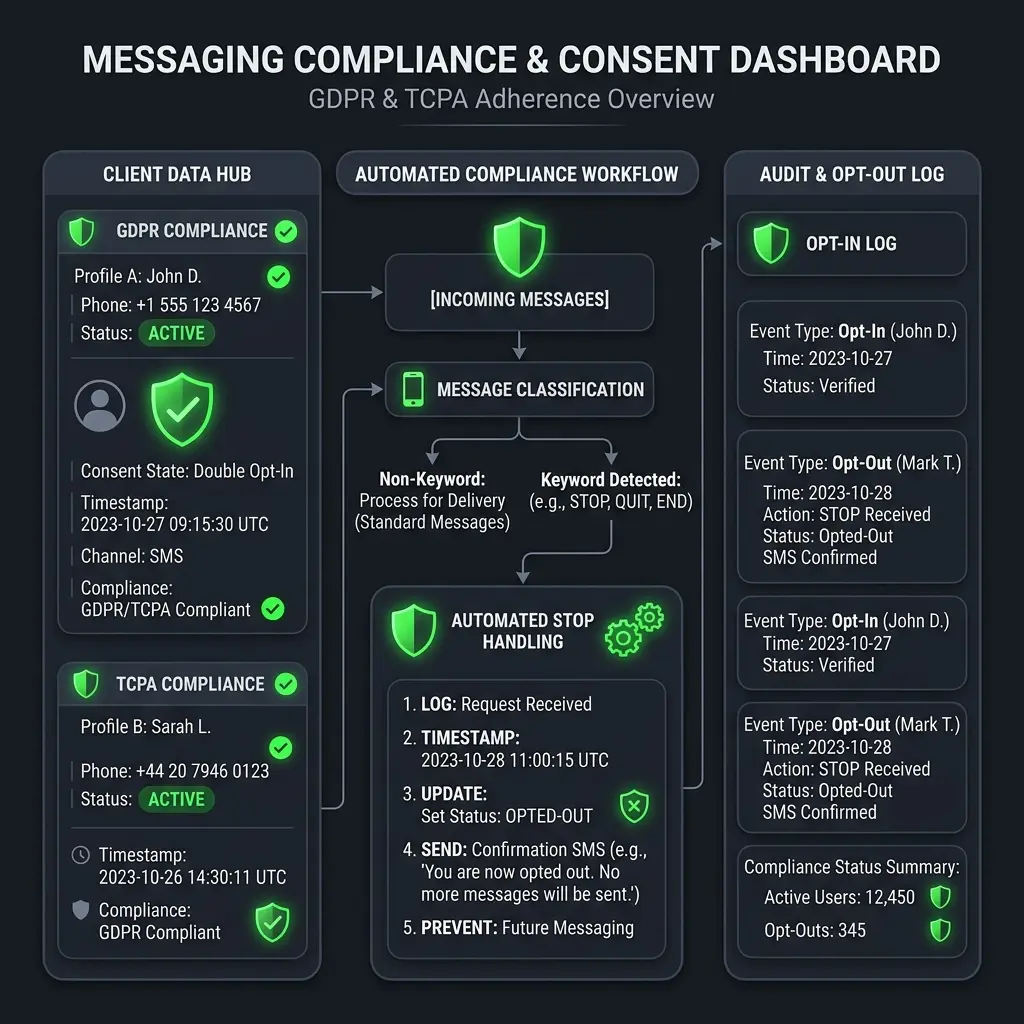
When a user taps the native "Block" button in the WhatsApp UI, Meta sends a webhook event to your platform indicating that the user has blocked your business. You must programmatically intercept this webhook and mark the contact as opted_out = true in your database to prevent your system from attempting to message them again.
Including Opt-Outs in Every Template
The best defense against being reported as spam is giving the user control. Every marketing template you submit to Meta should include a Quick Reply button labeled "Opt Out" or "Stop Promos".
When a user taps this interactive button, it sends the exact payload your webhook is listening for, allowing a graceful exit.
GDPR Article 17: The Right to Erasure
Under GDPR, if a European user opts out and requests data deletion, you are legally obligated to purge their PII (Personally Identifiable Information) from your systems within 30 days. Read our complete GDPR Compliance Guide for more details.
Quarterly List Hygiene Checklist
To keep your database pristine, run this query every 90 days:
- Purge all contacts marked as
opted_out. - Purge all contacts that have hard-bounced (Failed delivery) more than 5 times.
- Archive contacts who have not opened a message (No Read Receipt) in 6 months.
Automate Your Opt-Out Processing
Patify automatically detects STOP keywords via webhook and instantly updates contact status