The Complete WhatsApp Marketing Playbook: 7-Step Campaign Launch Checklist for SMBs
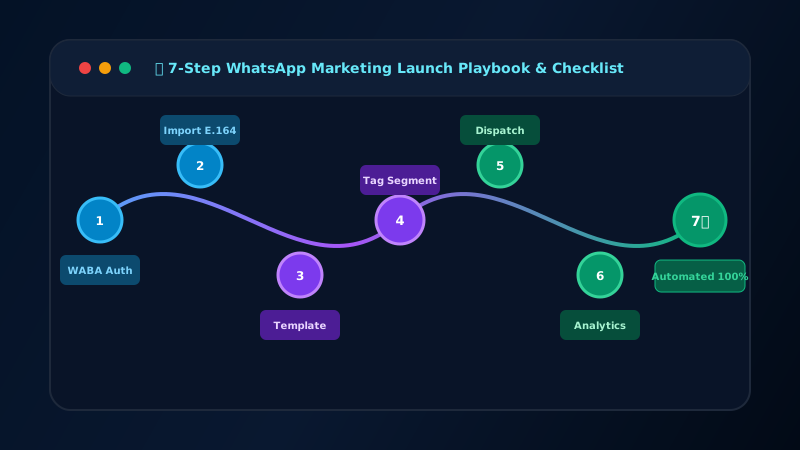
A successful WhatsApp campaign requires 7 steps: credential setup, contact import, template approval, audience segmentation, tiered scheduling, live monitoring, and automated opt-out handling.
Table of Contents
- • Why Most WhatsApp Campaigns Fail
- • Step 1: Connect WABA Credentials
- • Step 2: Import & Validate Contact List
- • Step 3: Create & Submit Template
- • Step 4: Segment Your Audience
- • Step 5: Schedule Your Campaign
- • Step 6: Monitor Live Analytics
- • Step 7: Process Replies & Opt-Outs
- • Run Your First Campaign in 60 Minutes
Why Most WhatsApp Campaigns Fail
Many businesses treat WhatsApp like a bulk SMS cannon. They upload a random list, blast a generic message, and are shocked when Meta blocks their number within 48 hours. WhatsApp is a premium, high-engagement channel that requires a methodical approach.
This is the definitive 7-step playbook for launching successful B2B WhatsApp campaigns in 2026.
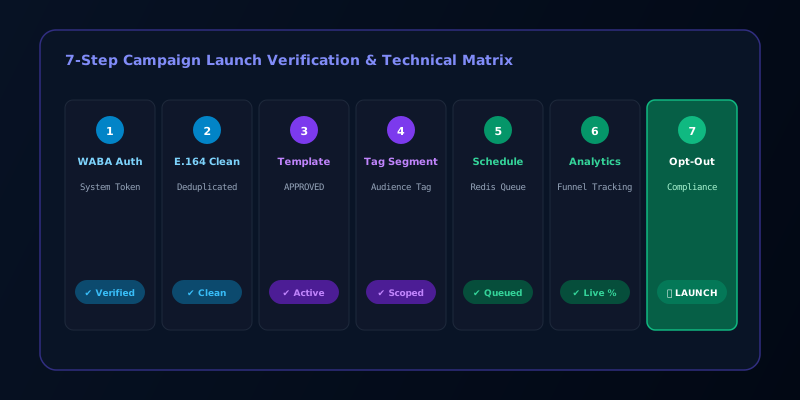
Step 1: Connect WABA Credentials
Before doing anything, you need an official WABA endpoint. Do not use the mobile app or unauthorized web-scrapers.
Step 2: Import & Validate Contact List
Your data must be clean to maintain a high Quality Rating.
- Ensure every phone number is in strict E.164 format.
- Remove duplicates before importing.
- Verify that you have explicit opt-in for every contact.
Step 3: Create & Submit Template
You cannot send a broadcast without an approved template.
- Draft your copy, keeping the 1024-character limit in mind.
- Follow the strict template naming rules (lowercase and underscores).
- Submit it at least 24 hours before your planned launch time.
Step 4: Segment Your Audience
Blast-to-all doesn't work. Relevance drives conversions.
- Use custom tags to segment your audience by industry, lifecycle stage, or past engagement.
- Tailor your template variables to match the segment.
Step 5: Schedule Your Campaign
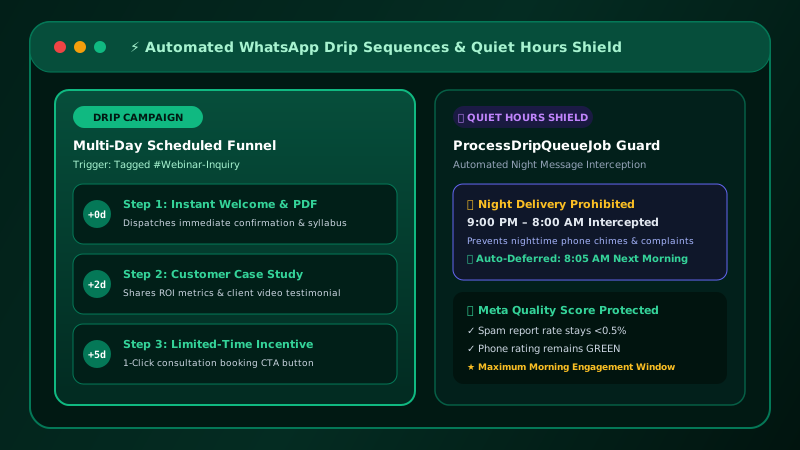
Pace your sends to respect Meta's architecture.
- Check your current Broadcast Tier limit (1K, 10K, 100K, or Unlimited).
- Schedule the campaign during the recipient's active business hours.
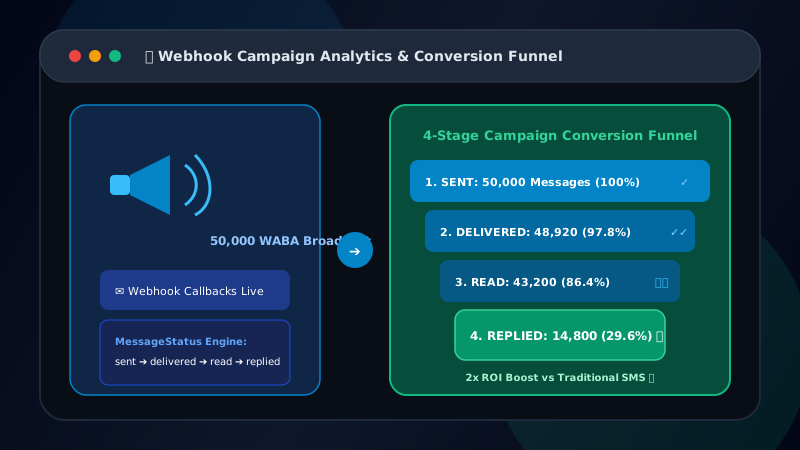
Step 6: Monitor Live Analytics
Watch the dashboard as the campaign executes.
- Track the 4 key metrics: Sent, Delivered, Read, and Replied.
- If your Delivered rate drops below 85%, pause the campaign—your list is too dirty.
Step 7: Process Replies & Opt-Outs
The campaign doesn't end when the messages are sent.
- Have agents ready in a multi-agent shared inbox to handle inbound replies instantly.
- Ensure your system is automatically processing STOP keywords and updating contact records.
Run Your First Campaign in 60 Minutes
Patify handles all 7 steps — credentials, contacts, templates, scheduling, analytics, and opt-outs — in one platform