How to Set Up Multi-Agent WhatsApp Live Chat for Your Sales & Support Team
Unlike mobile WhatsApp Business that allows only one active login, official WABA enables 10–100+ agents to handle customer conversations simultaneously through a shared team inbox.
Table of Contents
The Single-Agent Limitation
The standard WhatsApp Business mobile app is designed for micro-businesses. Its biggest limitation is concurrent access: only one person can effectively manage the primary phone at a time (even with linked web devices, the syncing is slow and unmanageable for teams).
For growing sales and support teams, this creates bottlenecks, missed leads, and slow response times.
Enter WABA Shared Inbox
By connecting to the official Meta WhatsApp Business API (WABA), your single business phone number becomes a cloud-based endpoint. This allows unlimited agents to log into a shared dashboard (like Patify) simultaneously.
- Unified Context: Every agent sees the entire chat history, preventing customers from having to repeat themselves.
- Concurrent Sessions: 50 support reps can chat with 50 different customers at the exact same time using one official number.
The 24-Hour Service Window in Live Chat
When a customer messages you, Meta opens a 24-Hour Customer Service Window. During this period, your agents can send unlimited free-form text, images, and documents. For a refresher on this core mechanic, read our WABA features overview.
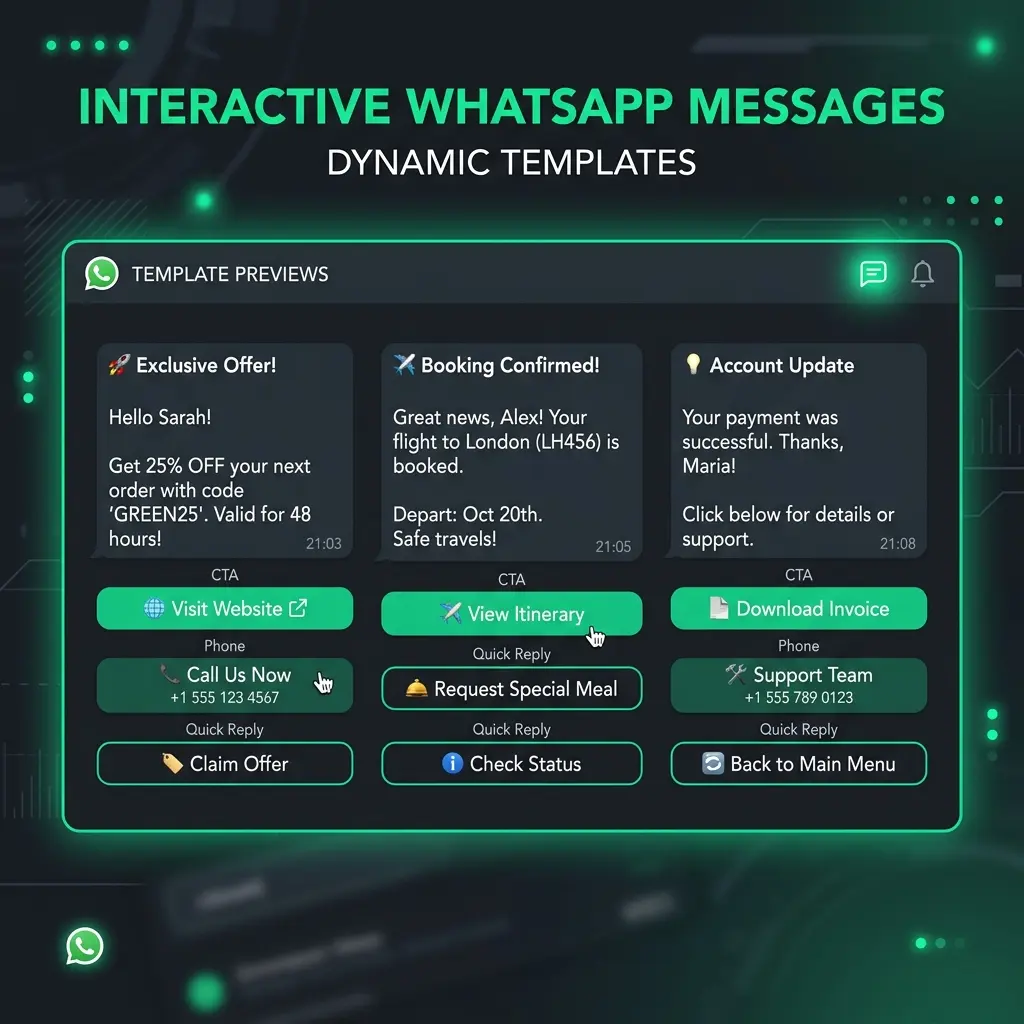
If 24 hours pass without a customer response, the chat session expires. To re-engage, agents can no longer send free text—they must dispatch an approved Template Message.
Agent Workflows & Best Practices
To maximize efficiency in a multi-agent environment:
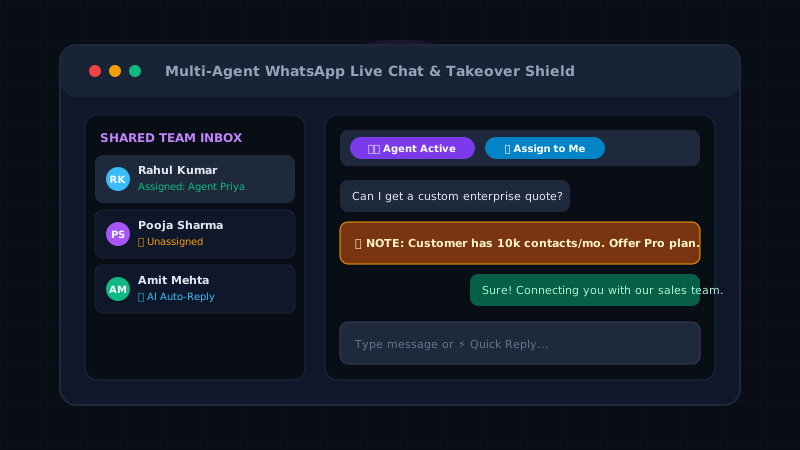
- Multi-Agent Assignment: Support reps can instantly claim active conversations using 1-click
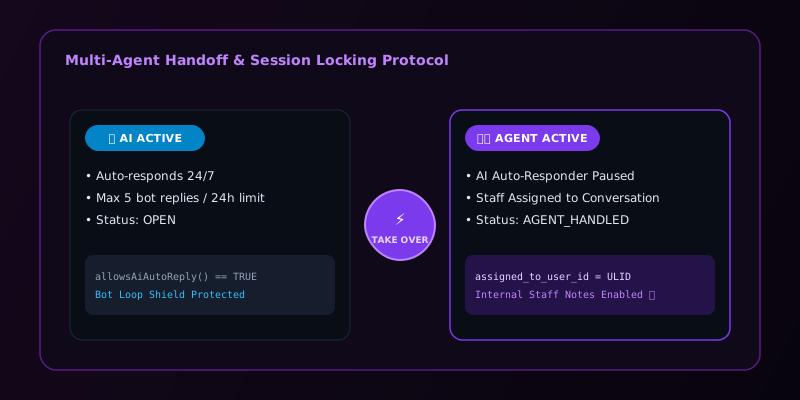
👤 Assign to Meactions or filter threads by👤 Assigned to Meand📥 Unassigned Chats. - Takeover Shield: Toggle between
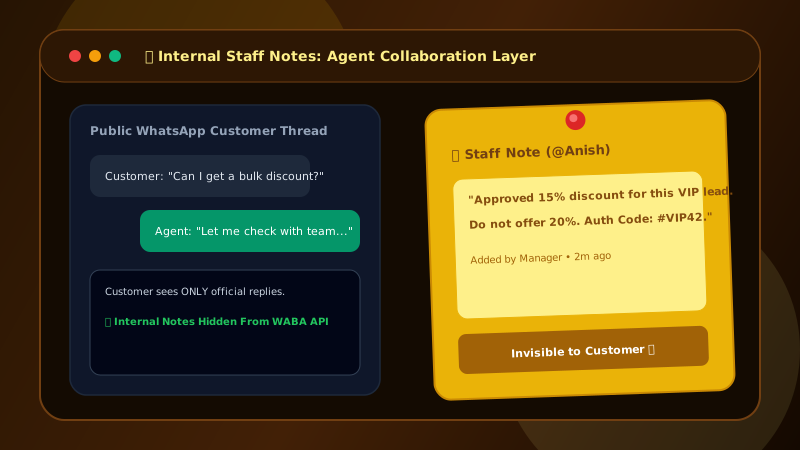
🤖 AI Activeand👨💻 Agent Active(AGENT_HANDLED) mode to prevent bot collisions while staff are actively chatting. See our complete guide on Live Chat Takeover and the Human Agent Shield. - 📌 Yellow Sticky Staff Notes: Record internal staff notes (
type = 'note') directly in the chat thread rendered as yellow sticky notes without sending anything to the customer or Meta API. - Quick Replies: Use slash commands (e.g.,
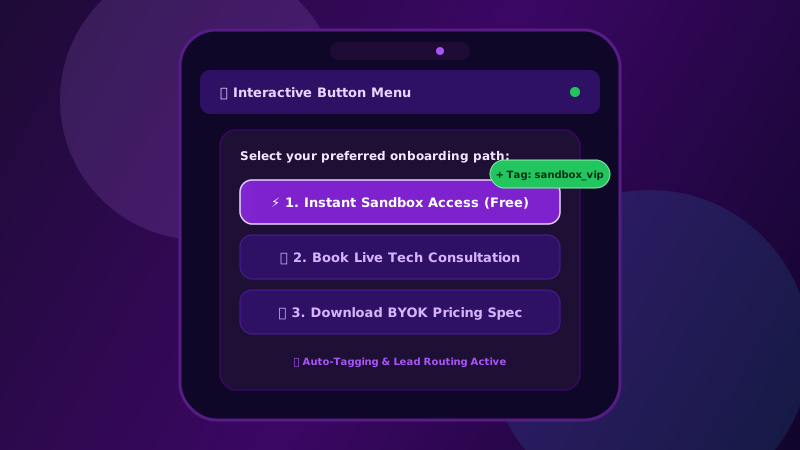
/pricingor/address) to instantly insert predefined answers to common questions. (See our guide on interactive buttons and quick replies). - Zero-DB Redis Inactivity Watchdog: If a staff member steps away while handling a customer in
AGENT_HANDLEDmode, Patify's background Redis watchdog automatically resets the thread toOPEN(AI Active) after 60 minutes of inactivity, ensuring customers are never left unattended.
Broadcasts vs. Proactive Live Chat
Live chat is inherently reactive (inbound support) or targeted 1-to-1 outbound sales. For proactive, large-scale engagement (e.g., announcing a new product to 10,000 customers), use the Campaign Broadcast engine, and let your live agents handle the inbound replies generated by the campaign.
Launch Multi-Agent WhatsApp Inbox
Patify's ContactLiveChat supports unlimited concurrent agents with shared 30-day history